

Diamond Crystal Photo Cube: Creative Display Ideas
Updated on: 2025-11-25
Table of Contents
- Why a diamond crystal photo cube is a meaningful keepsake
- Practical guide: ordering your diamond crystal photo cube
- Key advantages of a crystal diamond photo cube
- Use cases, gifting ideas, and styling tips for a crystal photo cube
- Summary and next steps
- Q&A: diamond crystal photo cube
- About the author: Incrystals
Why a diamond crystal photo cube is a meaningful keepsake
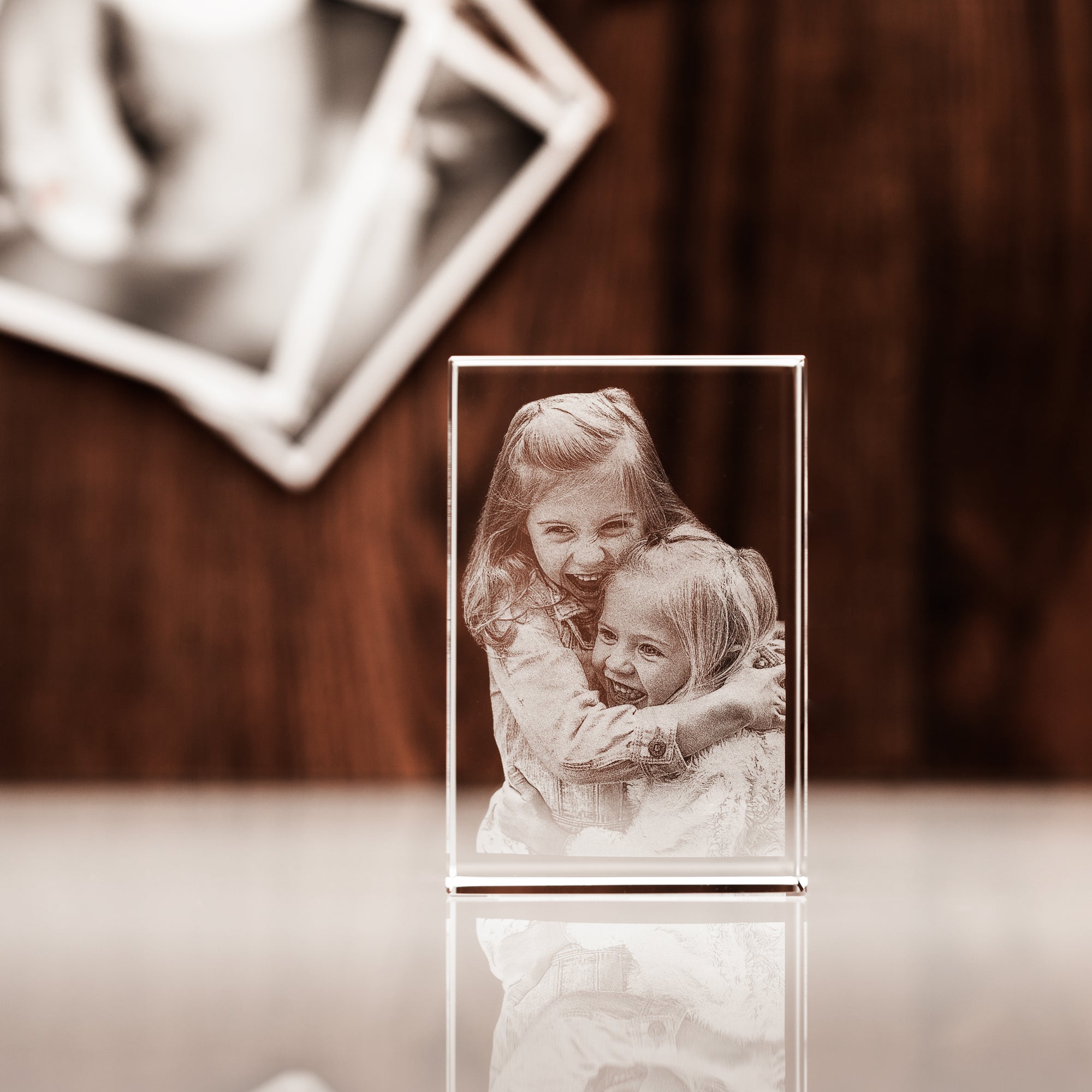
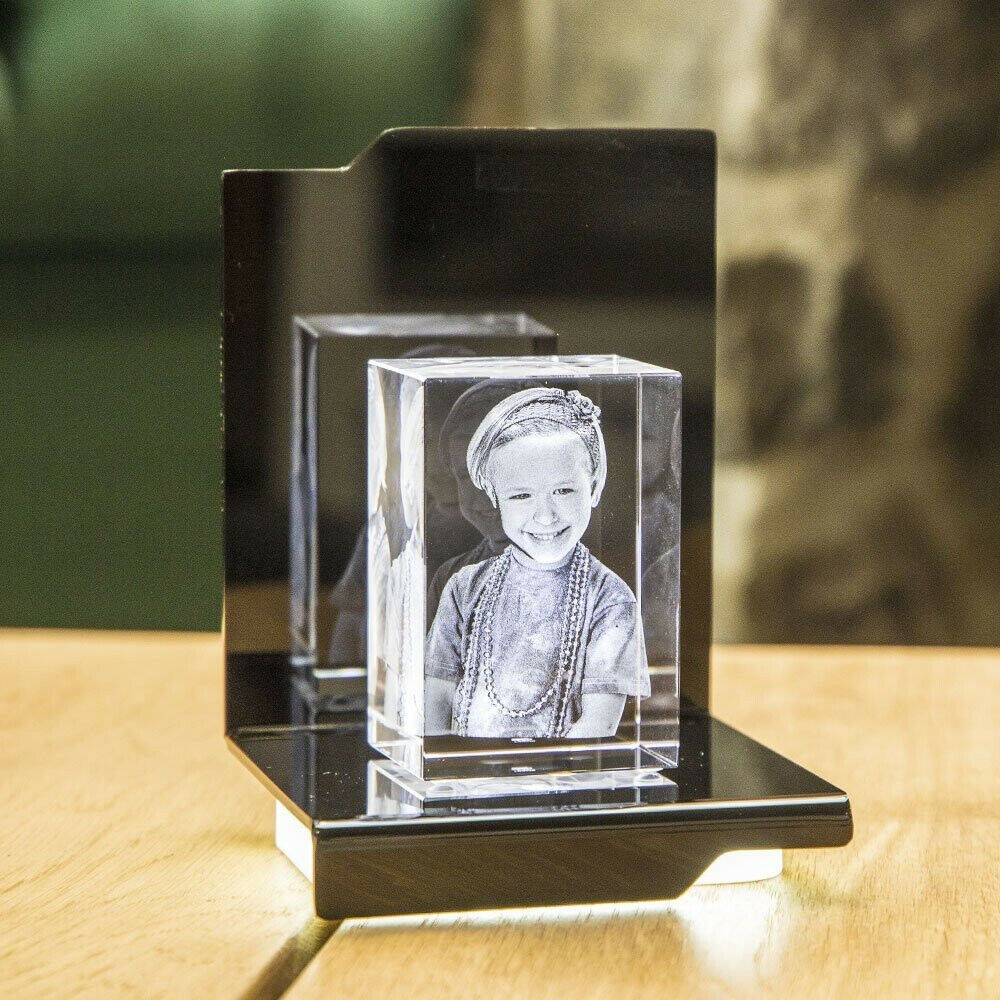
A diamond crystal photo cube turns a single image into a timeless piece of art. Crafted from high-grade, lead-free optical crystal, it showcases your memory in a multifaceted, light-catching form that looks elegant from every angle. The main keyword you might be searching for is diamond crystal photo cube, and that is exactly what this guide explains—what it is, how it works, and how to order one that captures your story. Whether you choose a classic crystal diamond photo cube or a personalised diamond crystal photo cube with an LED light, the result is a durable, display-ready keepsake that adds quiet luxury to any room.
Unlike framed prints, a crystal photo cube uses laser engraving to etch your photo inside the crystal. Light refracts through the facets, giving depth and clarity. The effect is especially striking with a 3D design and a matching light base. This article walks you through each step so you can confidently create a gift they will keep and admire.
Practical guide: ordering your diamond crystal photo cube
Step 1: Choose the shape and size
Start by deciding if a cube or a diamond shape is right for your space. A crystal diamond photo cube sits beautifully on a desk, end table, or bedside. Its compact dimensions make it easy to fit into small spaces while still standing out. If you want a taller silhouette for mantelpieces, a rectangular alternative can be a great fit.
Consider where it will live. Measure the shelf or surface and pick a size that balances the area. Larger sizes show more detail for group photos; smaller sizes suit single portraits.
Step 2: Select 2D or 3D engraving
Engraved photo crystal designs come in two main formats:
- 2D engraving: Your image is etched as a flat design inside the crystal. Great for text, logos, and simple portraits.
- 3D engraving: Your subject is modelled in three dimensions for a lifelike effect that appears to float within the cube.
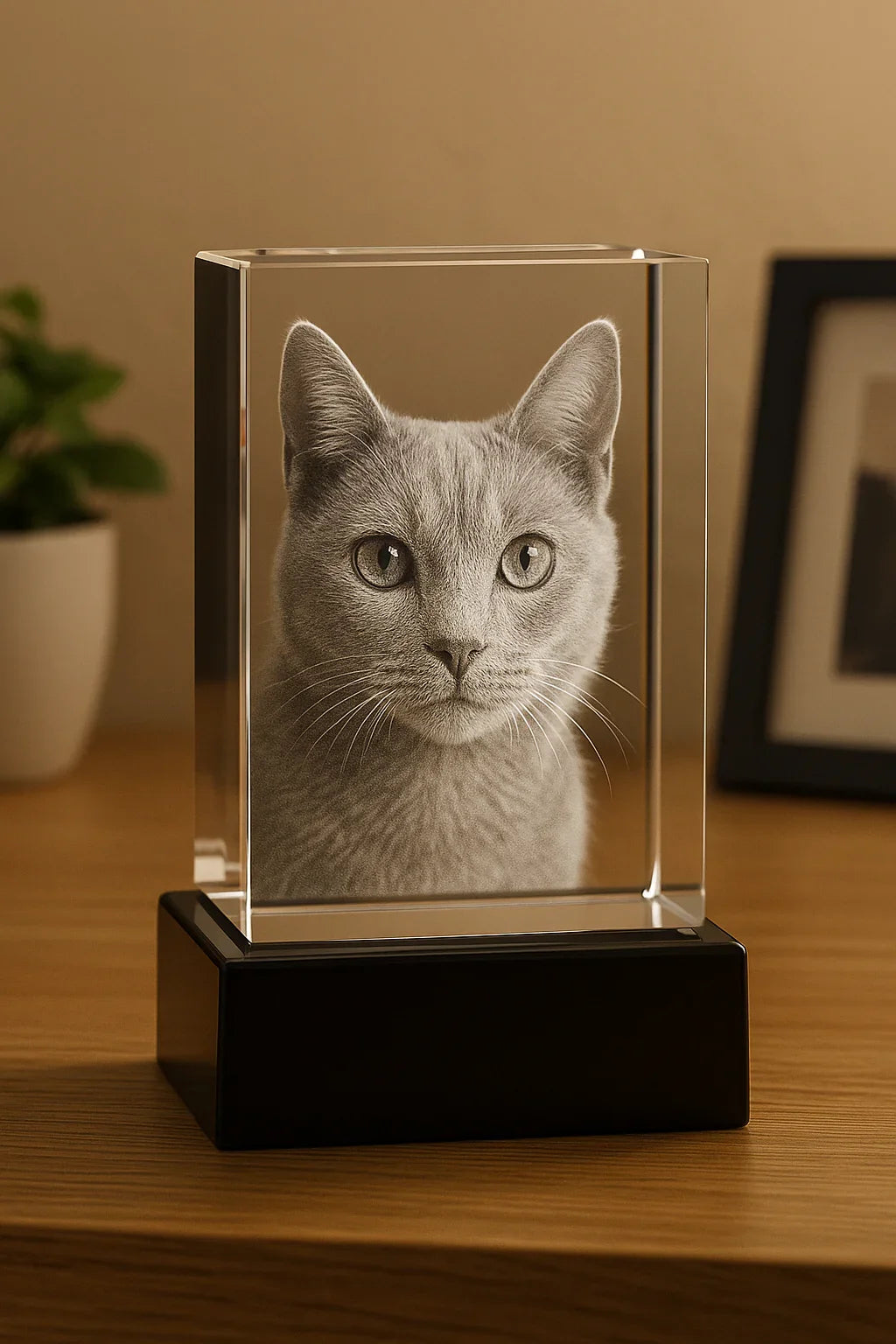
If your photo features a single person or pet, 3D engraving can add a remarkable sense of depth. For text-focused designs or landscapes, 2D can be beautifully crisp. Either way, a diamond crystal photo cube makes the image look refined and luminous.
Step 3: Prepare your photo
Choose a high-resolution image with good lighting and clear faces. Natural light and sharp focus work best. Avoid heavy filters. If your image includes multiple people, ensure everyone’s face is visible. Cropping can help center the subject. Most engravers will review your photo before production to confirm suitability.
- Resolution tip: Aim for at least 1,000 pixels on the shortest side.
- Clarity tip: Reduce motion blur and avoid heavy compression.
- Contrast tip: Balanced contrast helps engrave finer detail.
Step 4: Personalise with text
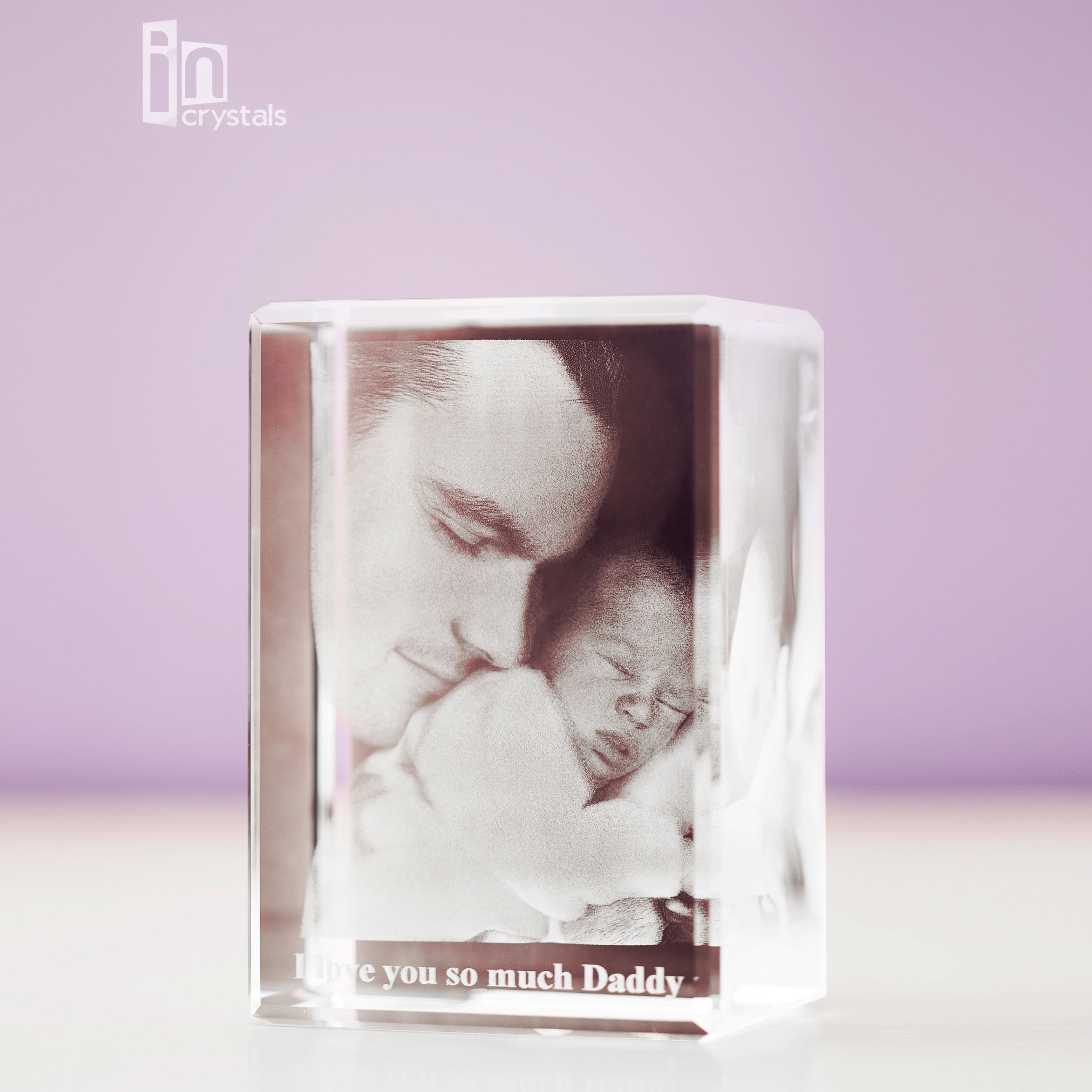
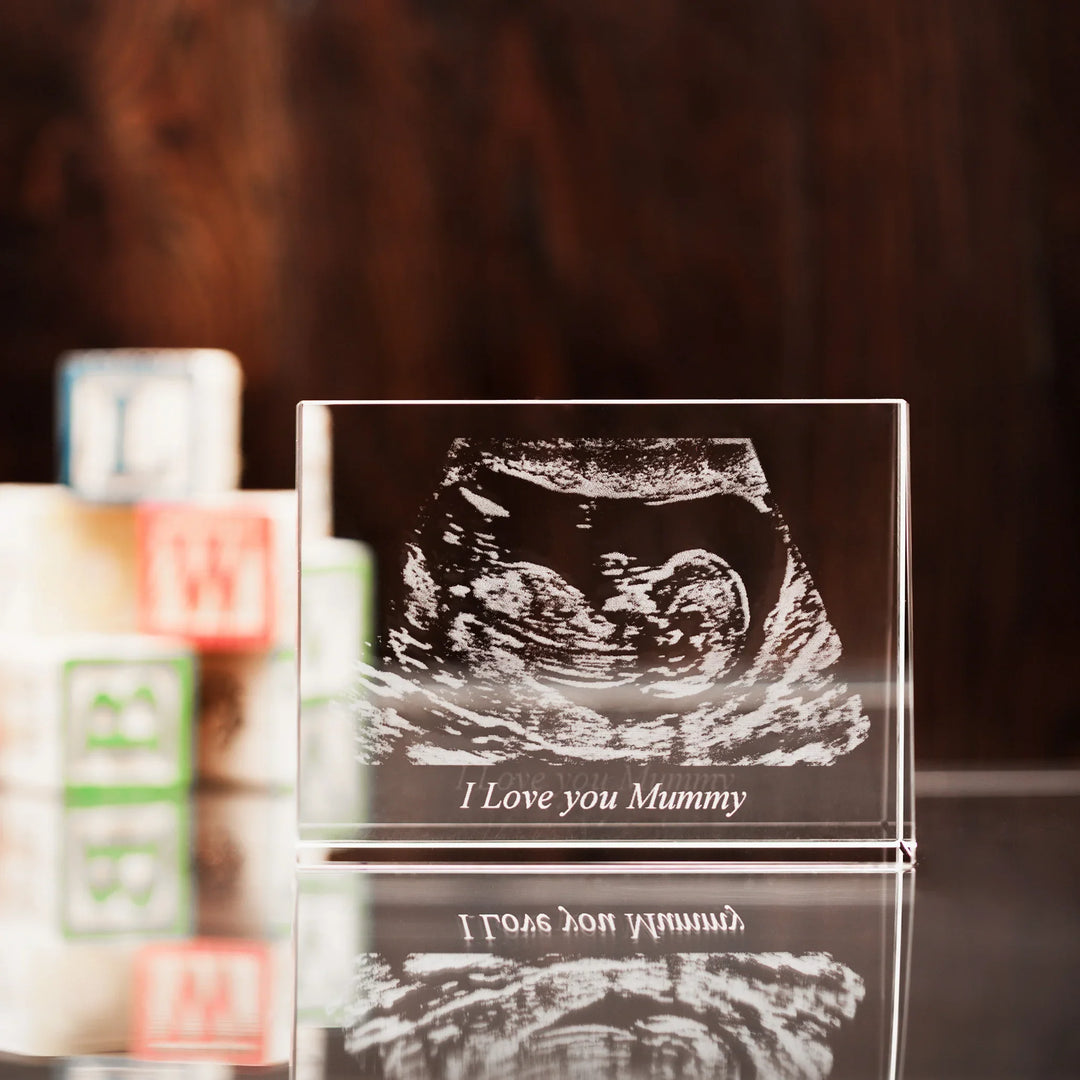
A short inscription makes your personalised diamond crystal photo cube truly yours. Add a name, date, or phrase that complements the image. Keep it concise so it engraves cleanly and does not crowd the design. Consider location (bottom edge is popular) and font style (clear, classic fonts reproduce best).
Step 5: Add an LED light base
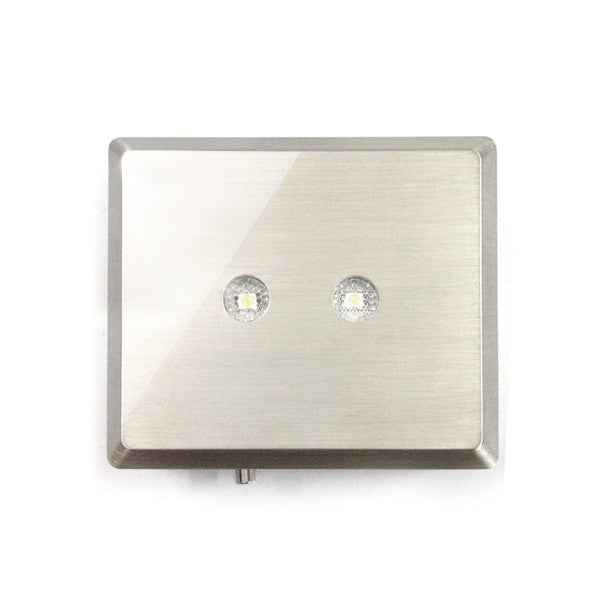
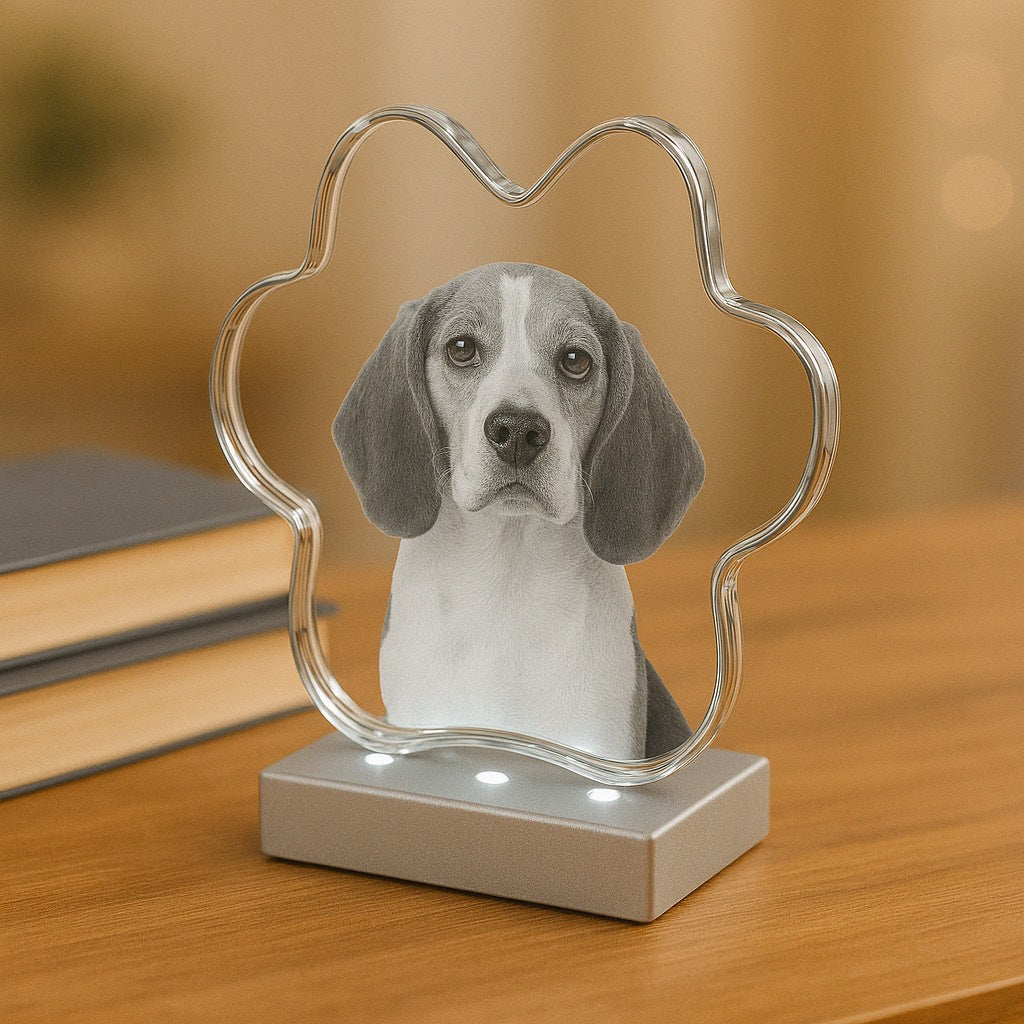
If you want maximum impact, choose a diamond crystal photo cube with LED light. The light base illuminates the engraving from below, making details sparkle even in dim rooms. It also helps show the 3D effect from across the room. Look for a stable base that matches your decor and offers soft, even lighting.
Step 6: Review and place your order
Before checkout, review your chosen size, orientation, and engraving style. Double-check spelling for any text. Confirm whether you are ordering 2D or 3D. If a preview is available, use it to ensure layout and proportions look right. Once you are happy, proceed to secure checkout.
Step 7: Unbox and care for your crystal
When your crystal arrives, handle it with clean, dry hands. Remove any dust with a soft microfiber cloth. Avoid household cleaners with harsh chemicals. A gentle glass-cleaning cloth is usually all you need to keep the surface clear.
Key advantages of a crystal diamond photo cube
- Optical clarity: High-grade crystal delivers striking brightness and depth.
- Timeless style: The multifaceted diamond design complements modern and classic spaces.
- Personalisation: Engrave a photo and optional message for a one-of-a-kind keepsake.
- Durability: The design is captured inside the crystal, safe from fading and smudging.
- Gift-ready: Suitable for birthdays, anniversaries, weddings, graduations, and more.
- Compact display: A crystal photo cube fits neatly on desks, shelves, and nightstands.
- LED enhancement: A light base transforms the cube into an eye-catching focal point.
Customers often share how their crystal becomes a conversation piece. Many display it near a window or on a light base to highlight the engraving. Because the image is embedded within the crystal, it remains protected and long-lasting.
Use cases, gifting ideas, and styling tips for a crystal photo cube
Choosing a crystal diamond photo cube is an easy way to make any milestone feel special. Consider these popular use cases:
- Anniversaries: Turn a favourite wedding photo into a glowing keepsake for the living room. For more ideas, explore curated options under Anniversary Gifts.
- Weddings: Engrave a couple’s portrait for a display piece that looks beautiful at home.
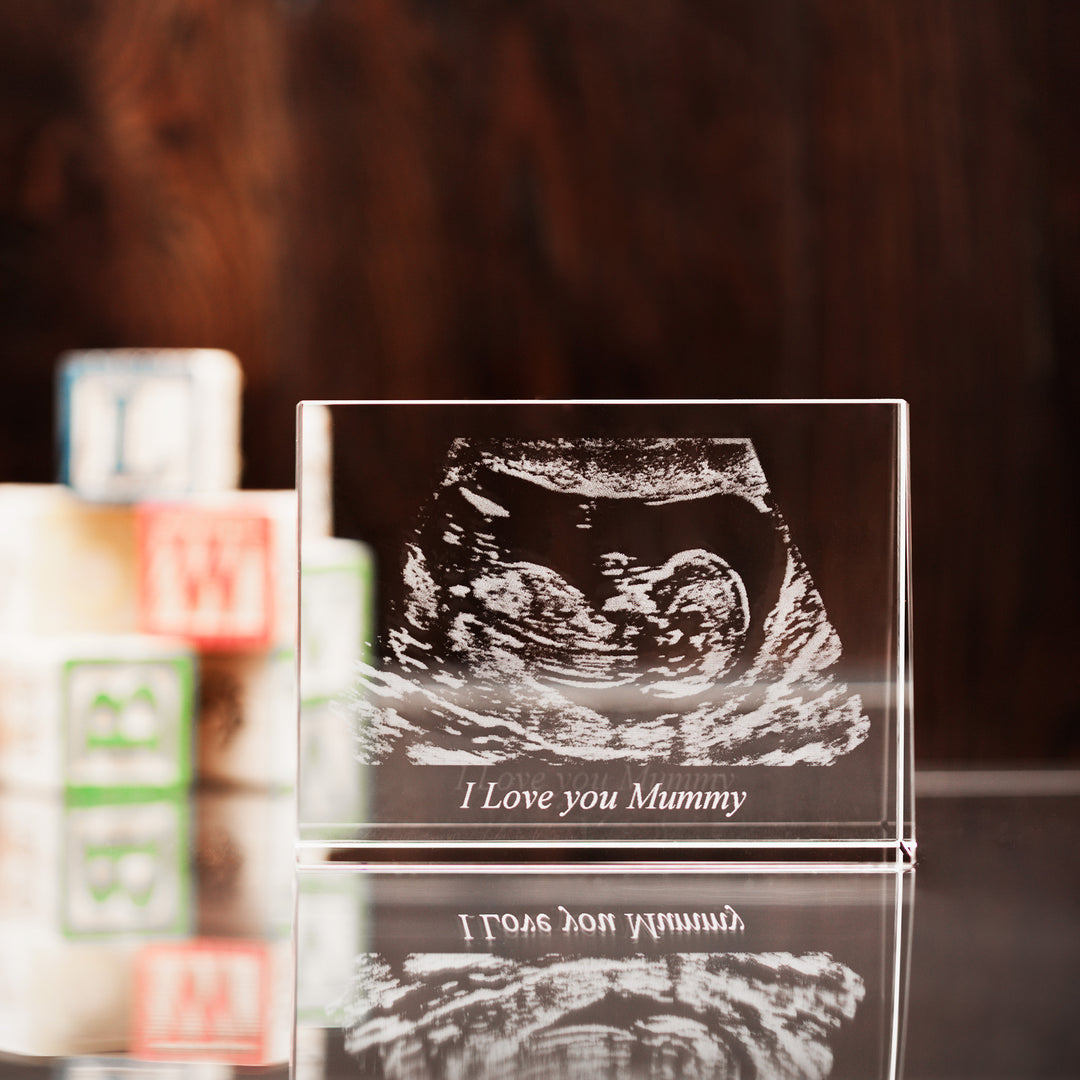
- Births and family moments: Capture baby photos or multi-generation portraits.
- Graduations and achievements: Mark the milestone with an engraved photo crystal that sits proudly on a desk.
- Memorials: Honour a loved one with a subtle, luminous remembrance that brings comfort.
- Pets: Celebrate a pet’s personality in 3D—whiskers, ears, and all.
For the strongest “pop,” pair your diamond crystal photo cube with a quality light base. The engravings glow, edges sparkle, and the piece stands out even in low light. You can find compatible options here: LED Light Bases.
If you prefer a cube silhouette with a classic feel, take a look at a dedicated cube design here: 3D Photo Crystal Cube. If the diamond cut is your style and you want that jewel-like look, you can also explore a focused product page here: 3D Diamond Photo Crystal.
Styling tip: Place the cube where light can pass through it. A shelf with a small lamp, a mantel with recessed lighting, or a windowsill that gets gentle daylight will all enhance its radiance. If you use a light base, aim for warm white LEDs for a soft, premium glow.
Summary and next steps
A diamond crystal photo cube elevates a treasured photo into a refined, long-lasting display. It is crafted from optical crystal, engraved inside for durability, and easy to personalise. To order, choose your size, pick 2D or 3D, upload a clear photo, and add a light base if you want extra sparkle. If you are gifting, think about the recipient’s space and choose a size and shape that fits their style.
Ready to create yours? Explore the collection to find the perfect match, from cube styles to diamond cuts and more gifting ideas under Anniversary Gifts or pair your crystal with a sleek LED Light Base. Your personalised piece is just a few steps away.
Q&A: diamond crystal photo cube
What is a diamond crystal photo cube and what is it made of?
A diamond crystal photo cube is a faceted, solid crystal block engraved with your photo inside the material using precision lasers. It is typically made from high-grade, lead-free optical crystal known for clarity and refraction. The diamond-style facets catch light from every angle, while the internal engraving preserves your image without surface wear.
How do you add or replace photos in a diamond crystal photo cube?
You add your photo during the ordering process by uploading a digital image. The engraving is created inside the crystal, so it is not removable like a paper insert. If you want a different image later, you would order a new engraved crystal using the new photo. This is how the piece maintains its clean, sealed look with no frames or slots.
What image quality do I need for an engraved photo crystal?
Use a high-resolution image with clear faces and good lighting. Aim for at least 1,000 pixels on the shortest side, with minimal blur and compression. Natural light portraits with neutral backgrounds tend to engrave very well. If in doubt, select the highest-quality version of your image and avoid screenshots or heavily filtered photos.
Do I need a diamond crystal photo cube with LED light?
It is optional, but an LED base enhances contrast and depth, especially in low light. The engraving appears brighter and more dimensional. If you plan to display your crystal on a shelf or desk, a compact base can turn it into a standout feature without taking up extra space.
How do I care for my crystal to keep it clear?
Dust with a soft microfiber cloth. If needed, use a gentle glass-cleaning cloth and dry immediately. Avoid abrasive pads and harsh chemicals. Handle with clean hands and place your crystal on stable, flat surfaces to prevent tipping.
About the author: Incrystals
Incrystals
Incrystals specialises in personalised photo crystals and laser-engraved keepsakes, with a focus on premium materials and clean, modern design. Our team helps customers transform favourite photos into long-lasting gifts, from diamond crystal photo cubes to heart-shaped 3D pieces. We are here to guide you at every step—so your memories always look their best.
From the blog
View all


Leave a comment