

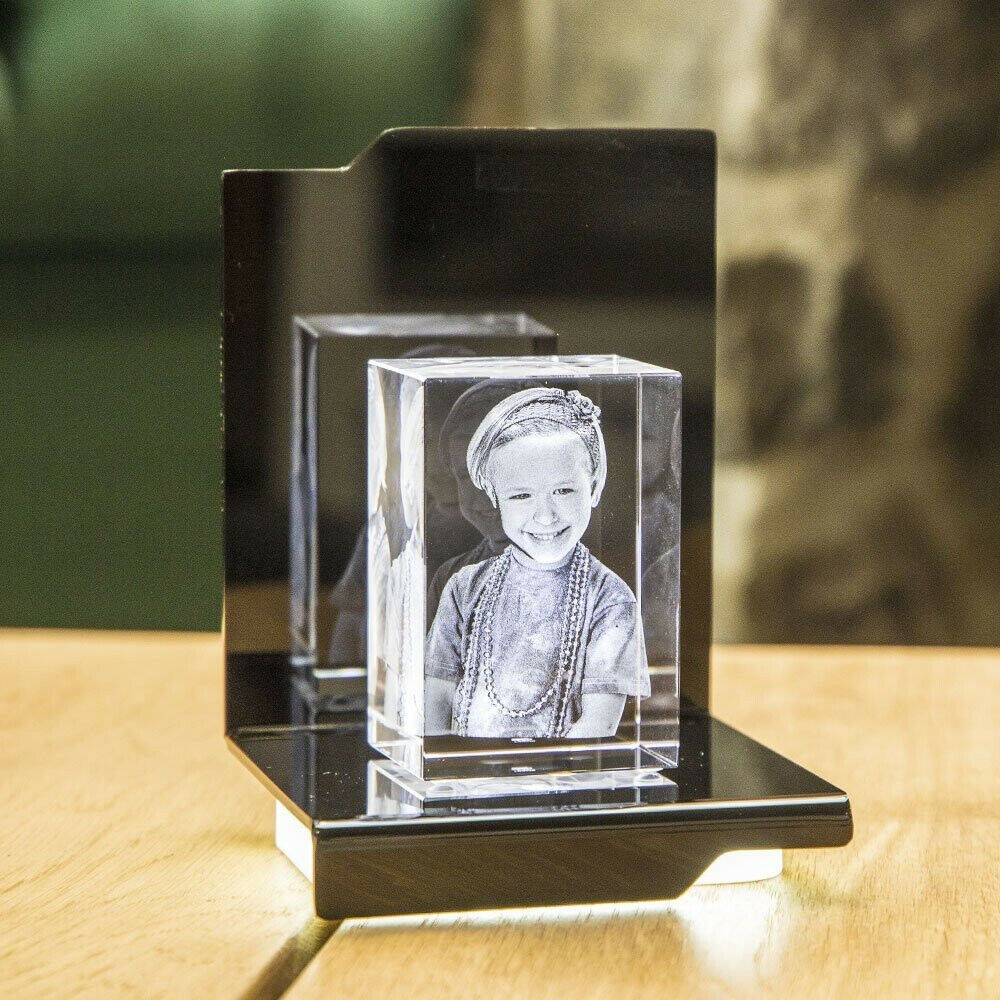
Memorial Photo Crystal Turning Remembrance into Radiant Keepsakes
Updated on: 2025-12-02
Looking for a meaningful way to honor a cherished life? A custom engraved crystal turns a favorite photo into a luminous tribute that lasts. This guide shows you how to select the right style, prepare your image, and personalize details for a beautiful, comforting keepsake. You’ll learn practical tips to get museum-clear results and see thoughtful use cases that fit any home or office.
- Introduction
- Pros & Cons of a Memorial Photo Crystal
- Step-by-Step Practical Guide
- Wrap-Up
- Q&A Section
- About the Author
Introduction
A memorial photo crystal turns a treasured image into a radiant, tactile remembrance that keeps someone’s story close. Unlike paper prints that fade or digital files that get buried in cloud folders, a finely engraved glass piece gives depth, clarity, and presence. It’s discreet on a desk, moving on a mantel, and dignified in shared spaces. For families, it becomes a daily point of connection—quiet yet powerful.
If you want a tribute that balances beauty with durability, a laser-etched crystal is a strong choice. You can tailor the size to your room, the shape to your style, and the engraving to match the photo’s mood. Whether you’re honoring a loved one’s smile, a wedding portrait, or a peaceful landscape they adored, you can preserve it with light-catching detail. To explore suitable styles curated for remembrance, view the selection at Memorial Gifts.
Pros & Cons of a Memorial Photo Crystal
- Timeless look: Polished glass and precision engraving create a premium finish that fits modern and traditional decor.
- High detail: Fine laser points capture hair texture, facial features, and fabric folds with striking clarity.
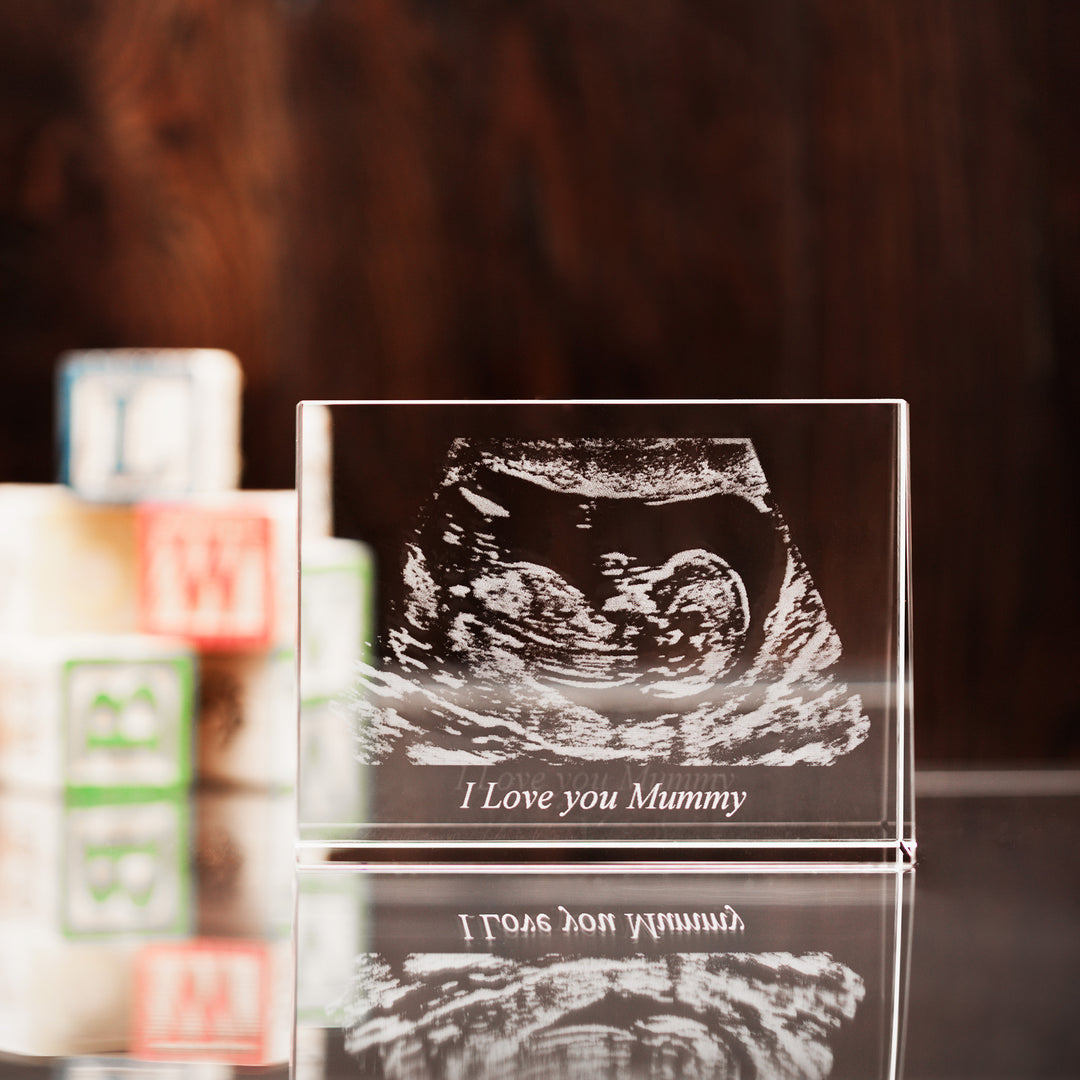
- Personalisation: Add names, dates, or short lines that resonate without overwhelming the image.
- Versatile display: Works on shelves, consoles, desktops, and memorial corners; stands upright and pairs well with gentle lighting.
- Long-lasting: The engraving sits within the crystal, so it won’t peel or rub off.
- Glass weight: Substantial and fragile—place it on a stable surface away from edges and high-traffic areas.
- Photo quality matters: Low-resolution or blurry images limit engraving detail; the better the photo, the better the result.
- Reflections: Bright windows can cause glare. A matte backdrop or light base helps keep the focus on the portrait.
- Lead time considerations: Personalisation requires design and engraving steps; plan ahead for gifting moments.
- Budget: Premium materials and precise engraving cost more than standard frames, but the impact is significantly higher.
Step-by-Step Practical Guide
Step 1: Pick the shape and size that fit your space
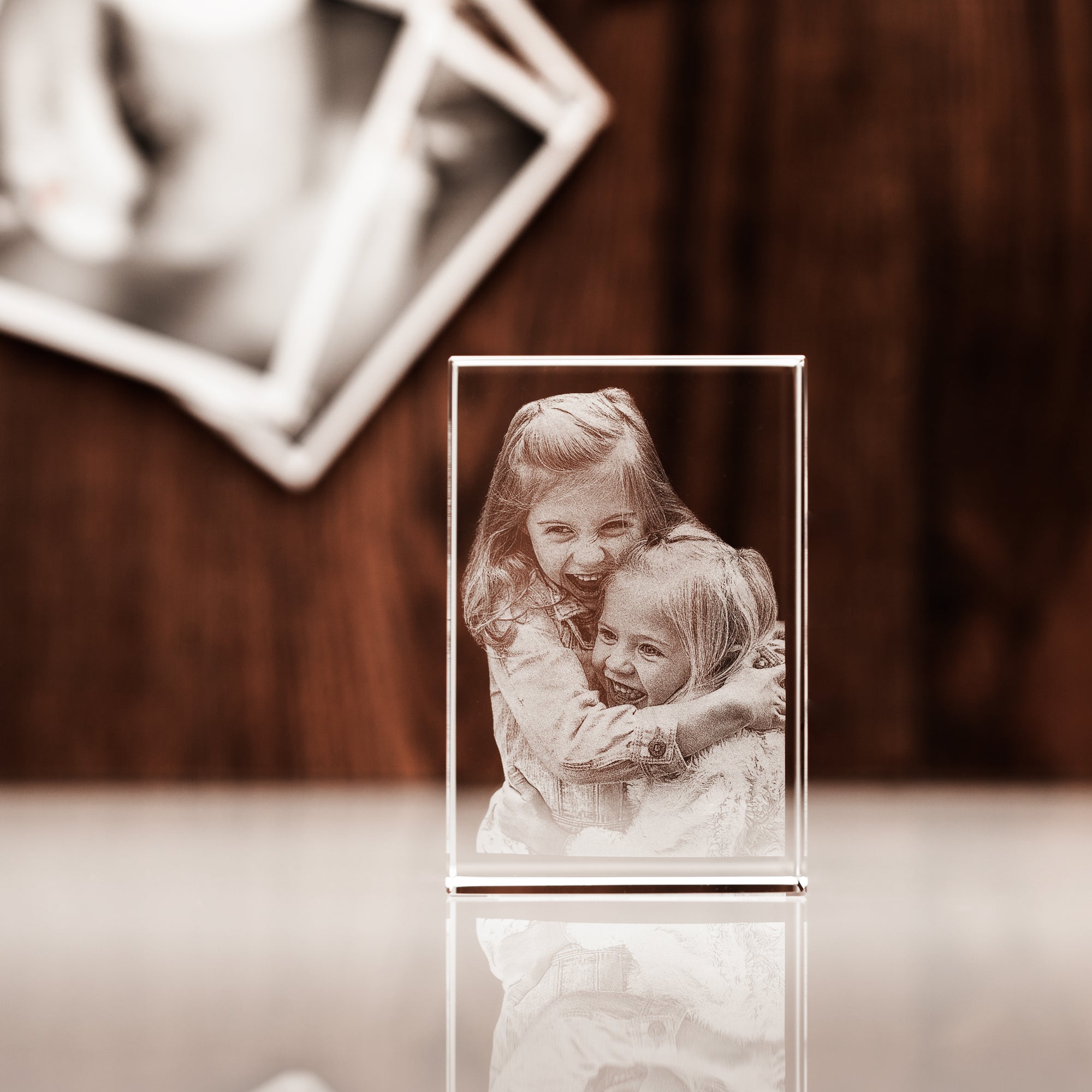
Think about where the piece will live. A rectangle or vertical block is ideal for portraits and minimal spaces; a heart or diamond form feels symbolic and intimate. If you like clean lines, the 3D Crystal Rectangle provides a gallery-like look that flatters most photos. Choose a size that’s visible from your usual viewing distance without overpowering nearby items.
Step 2: Choose a photo with crisp contrast
Start with a high-resolution image that shows clear facial features. Balanced lighting—no heavy shadows or blown-out highlights—produces the best engraving. Avoid filters and heavy retouching, as they can soften detail. If you have multiple options, pick the one with a bright expression and simple background. Cropping can help center the subject and remove distractions.
Step 3: Decide between 2D and 3D engraving
2D engraving places the photo within the surface with elegant simplicity; it’s timeless and suits minimal setups. 3D conversion maps the subject’s features to create depth inside the crystal, adding dimension that looks striking from multiple angles. For a single portrait, 3D often delivers a lifelike presence. For landscapes or text-heavy designs, 2D can be the better fit.
Step 4: Add a short inscription that feels true
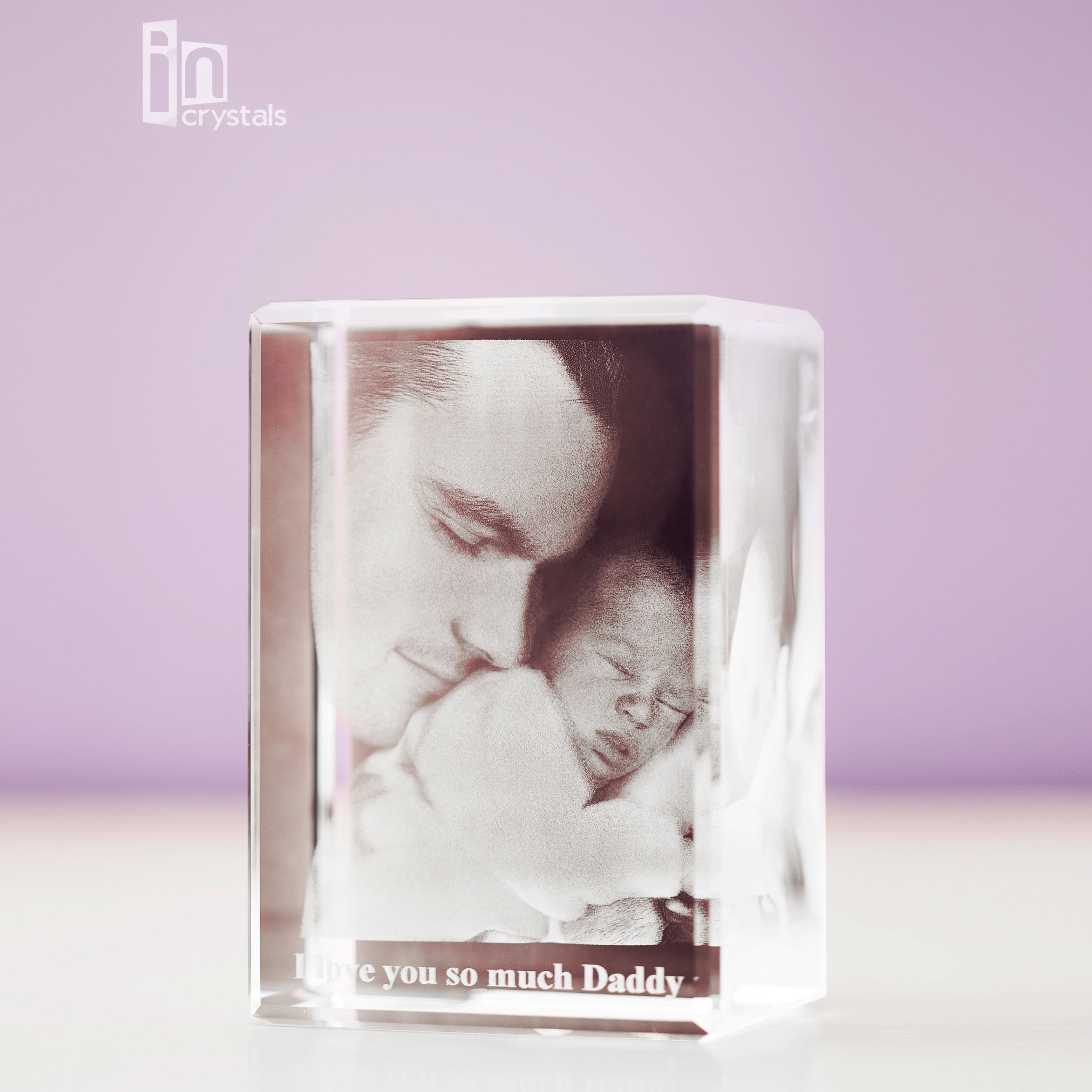
Keep the message concise—often a name and date or a short phrase. Less text preserves focus on the image and keeps the layout clean. If you want to include a symbol (heart, paw print, small star), make sure it complements rather than competes with the portrait. When in doubt, let the smile do the talking and use one understated line.
Step 5: Elevate the display with lighting
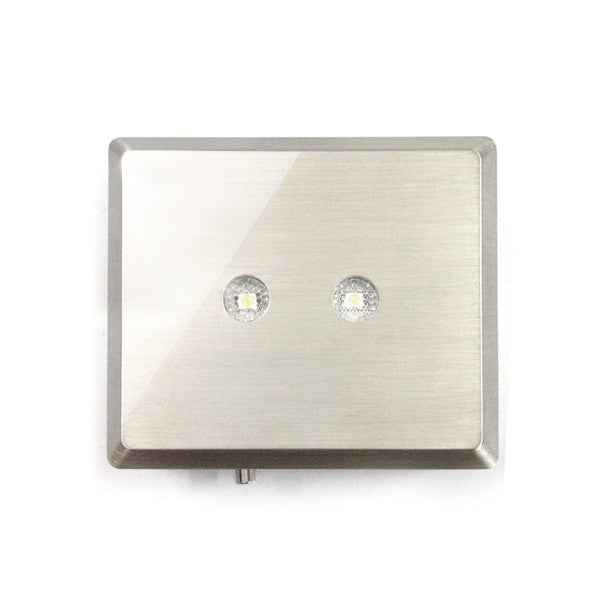
A gentle glow transforms the engraving, especially at dusk. Pair your crystal with an LED light base to add definition and contrast without glare. Choose warm light for a cozy, nostalgic mood or cool white for a crisp, modern feel. Place the piece away from strong window reflections to keep the focus on the portrait.
Step 6: Check the preview and confirm
Review the layout and spelling of any engraving before finalising. Look for balance between the photo and text. If you’re unsure about cropping, opt for a slightly wider frame that preserves shoulders and hair details. Once you approve, you can expect a polished, ready-to-display piece that arrives protected and ready for gifting.
Wrap-Up
A personalised crystal portrait is more than decor—it’s a quiet conversation with memory. The weight, the way it catches light, and the precision of the engraving invite you to pause and reflect. If you’re commemorating a loved one, a memorial photo crystal offers a refined, lasting way to keep their presence in view without dominating the room. When you’re ready, explore thoughtful designs in Memorial Gifts, consider a classic rectangle for universal appeal, and add lighting to make your tribute glow after dark.
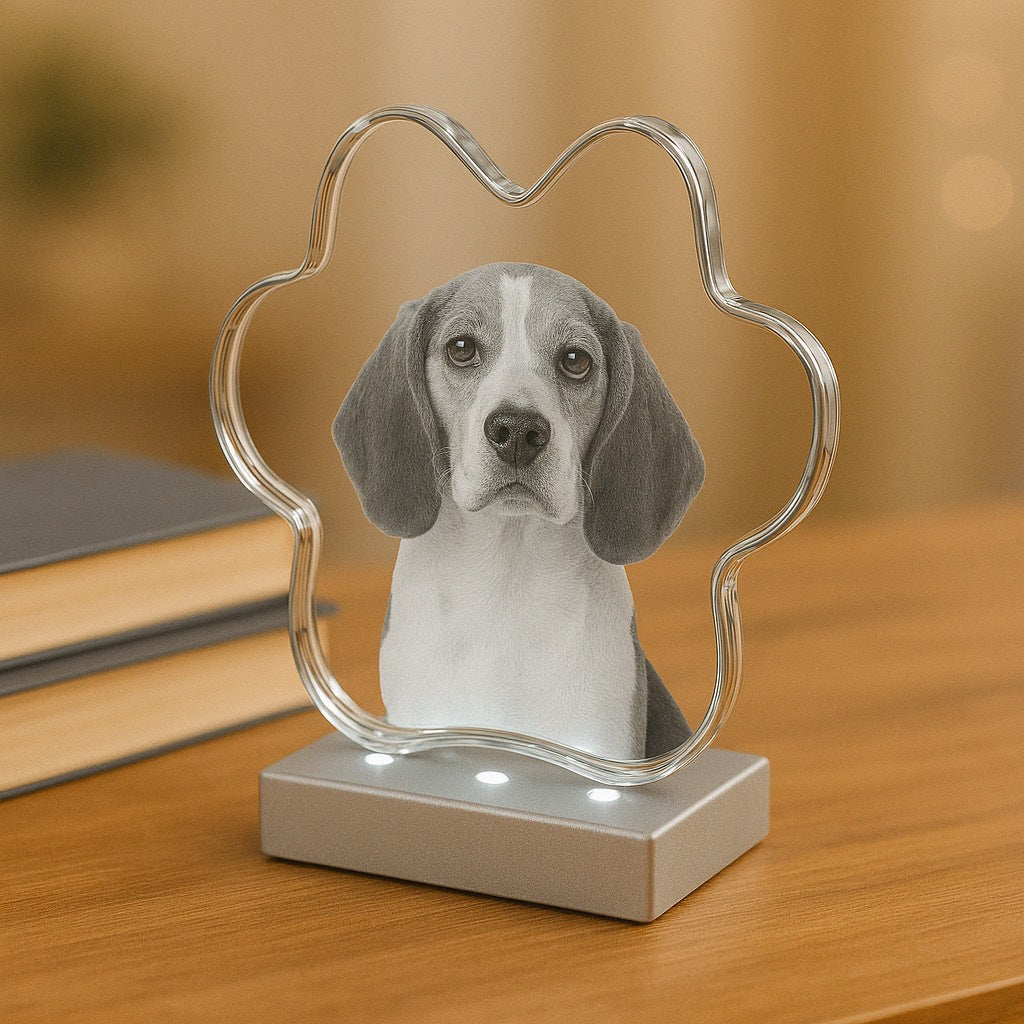
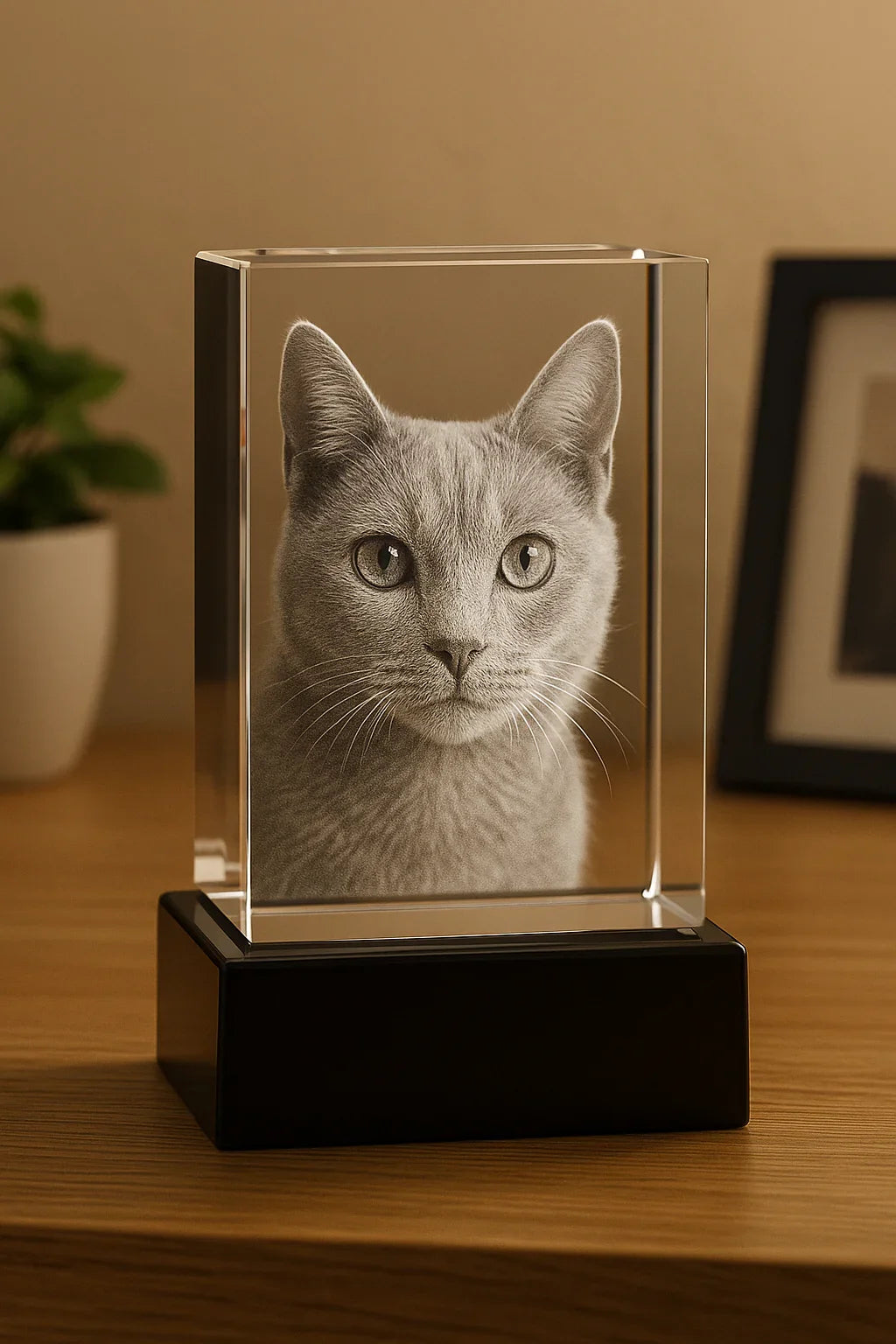
Want to honour a furry companion? Browse dedicated shapes and sizes tailored to animal portraits at Pet photo crystal. Prefer a clean, minimalist look? A simple rectangle block delivers museum-like clarity and pairs beautifully with a discreet base. Whatever you choose, keep the photo sharp, the message short, and the display softly lit.
Q&A Section
What type of photo works best?
Use a high-resolution image with even lighting and clear facial details. Avoid heavy filters or low-light phone shots—they reduce edge definition and can blur fine lines, which are essential for precise engraving. If you must choose between two similar images, pick the one with cleaner background, relaxed shoulders, and natural expressions. Cropping is fine as long as it preserves key features.
How do I clean and care for an engraved crystal?
Dust with a soft, lint-free cloth. For fingerprints, lightly dampen the cloth with plain water and wipe gently. Avoid harsh cleaners or abrasive pads that can scratch the surface. Place the piece on a stable, flat area away from edges and direct sunlight. If you use lighting, choose low-heat LEDs to keep the crystal comfortable to the touch.
Can I create a tribute for a pet?
Absolutely. Choose a front-facing photo that highlights the eyes and unique markings. Short inscriptions such as a name and a symbol (like a paw print) work beautifully. For inspiration and ready-to-engrave options designed for animals, visit the dedicated range at Pet photo crystal. Consider a light base to enhance whiskers, fur texture, and contrast.
About the Author
Incrystals Editorial Team
Incrystals specialises in laser-engraved glass keepsakes, turning meaningful photos into elegant, long-lasting tributes. Our team has helped thousands of customers choose sizes, shapes, and lighting that fit their spaces and stories. We’re here to guide you with clear, practical advice—so your piece looks just right. Thank you for trusting Incrystals with your most precious memories.
From the blog
View all


Leave a comment