

Rectangle Photo Crystal: Crafting Timeless Photo Displays
Updated on: 2025-11-27
Table of Contents
- Photo Crystal Rectangle: What It Is and Why It Delights
- What is a photo crystal rectangle?
- How do I customize a rectangular photo crystal?
- Top use cases for a crystal photo rectangle
- Customer stories and testimonials
- Common Mistakes to Avoid With a Photo Crystal Rectangle
- Pros & Cons Analysis of a Crystal Photo Rectangle
- Quick Tips for a Custom Rectangular Photo Crystal
- Wrap-Up & Key Insights on Photo Crystal Rectangles
- Questions About a Photo Crystal Rectangle, Answered
Photo Crystal Rectangle: What It Is and Why It Delights
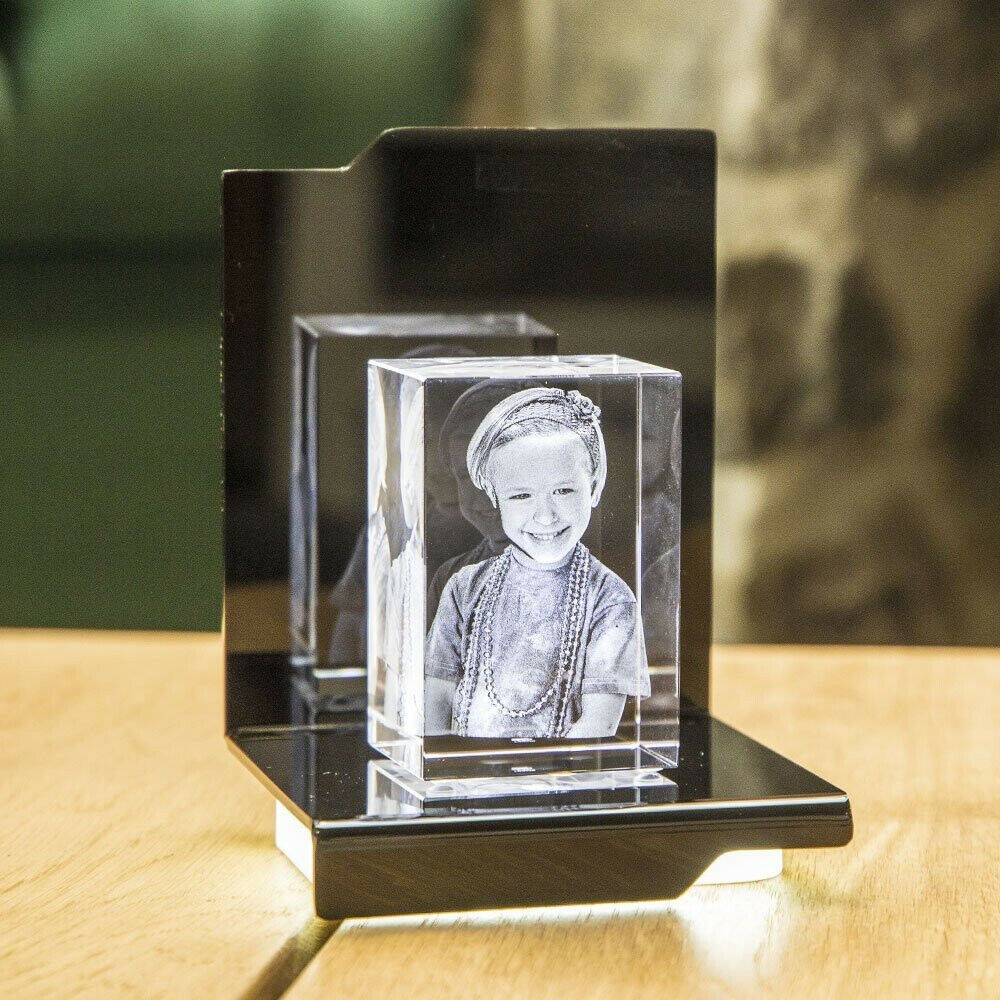
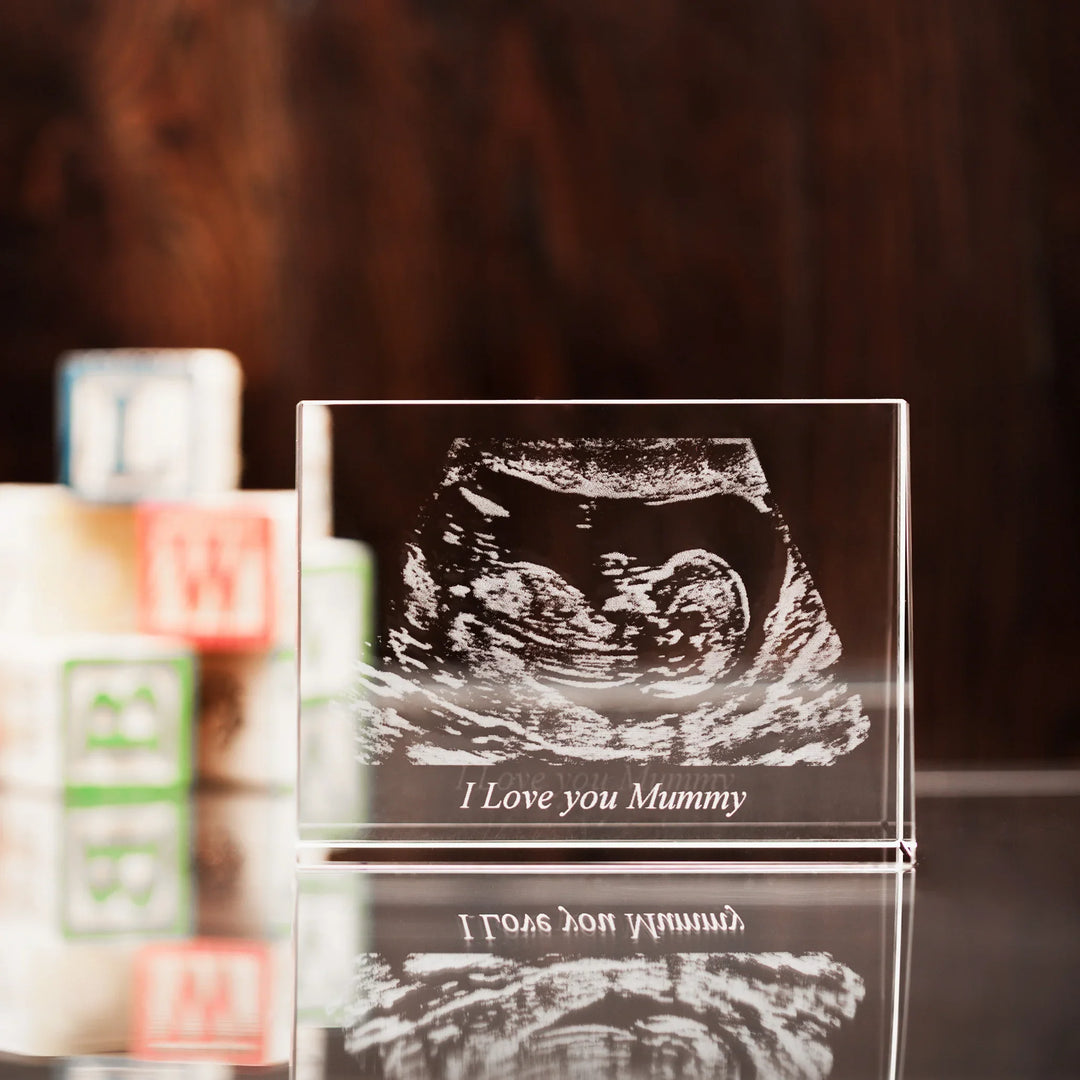
A photo crystal rectangle is a premium keepsake that laser-etches your image inside optical-grade crystal, creating a floating 2D or 3D effect that catches the light and attention. If you want a gift that balances elegance with everyday durability, the rectangular photo crystal shape is a smart choice. It displays well on shelves, desks, and bedside tables, and it pairs beautifully with an LED base for extra shimmer. Whether you call it a crystal photo rectangle, crystal photo block, or photo crystal frame, the look is the same: clean lines, luminous clarity, and a personalized story preserved in glass-like brilliance.
If you are ready to explore sizes, orientations, and engraving options, start with the curated range of shapes and sizes here: Rectangle Photo Crystal.
What is a photo crystal rectangle?
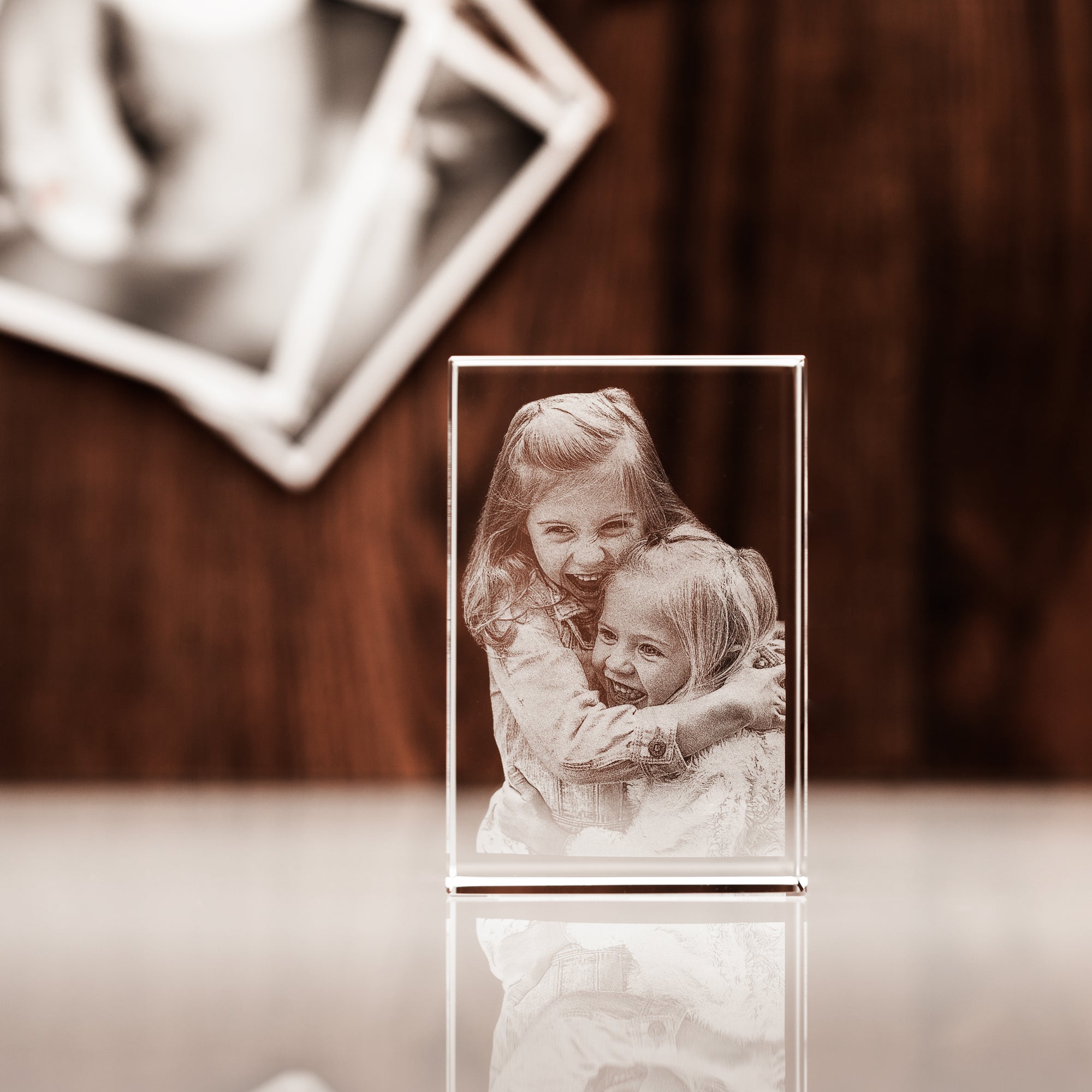
A photo crystal rectangle is a solid crystal block that houses your image inside—etched with precision lasers so the photo appears suspended. Unlike printed frames, the artwork does not fade or peel. The rectangular form factor offers more layout freedom for couples, families, and group portraits. It also suits full-body images and landscape photos that need room to breathe. Many buyers choose a custom rectangular photo crystal to mark milestones like engagements, anniversaries, graduations, and new arrivals, or as a thoughtful desk display with a professional portrait.
How do I customize a rectangular photo crystal?
Customizing is simple. Follow these steps to create a personalized rectangular photo crystal keepsake that looks premium and polished:
- Choose the size and orientation: Vertical suits portraits; horizontal suits landscapes or group photos.
- Pick 2D or 3D engraving: 2D preserves depth from a single angle; 3D creates dimension that shifts as you move.
- Upload a high-resolution image: Aim for clear faces, good lighting, and minimal background clutter.
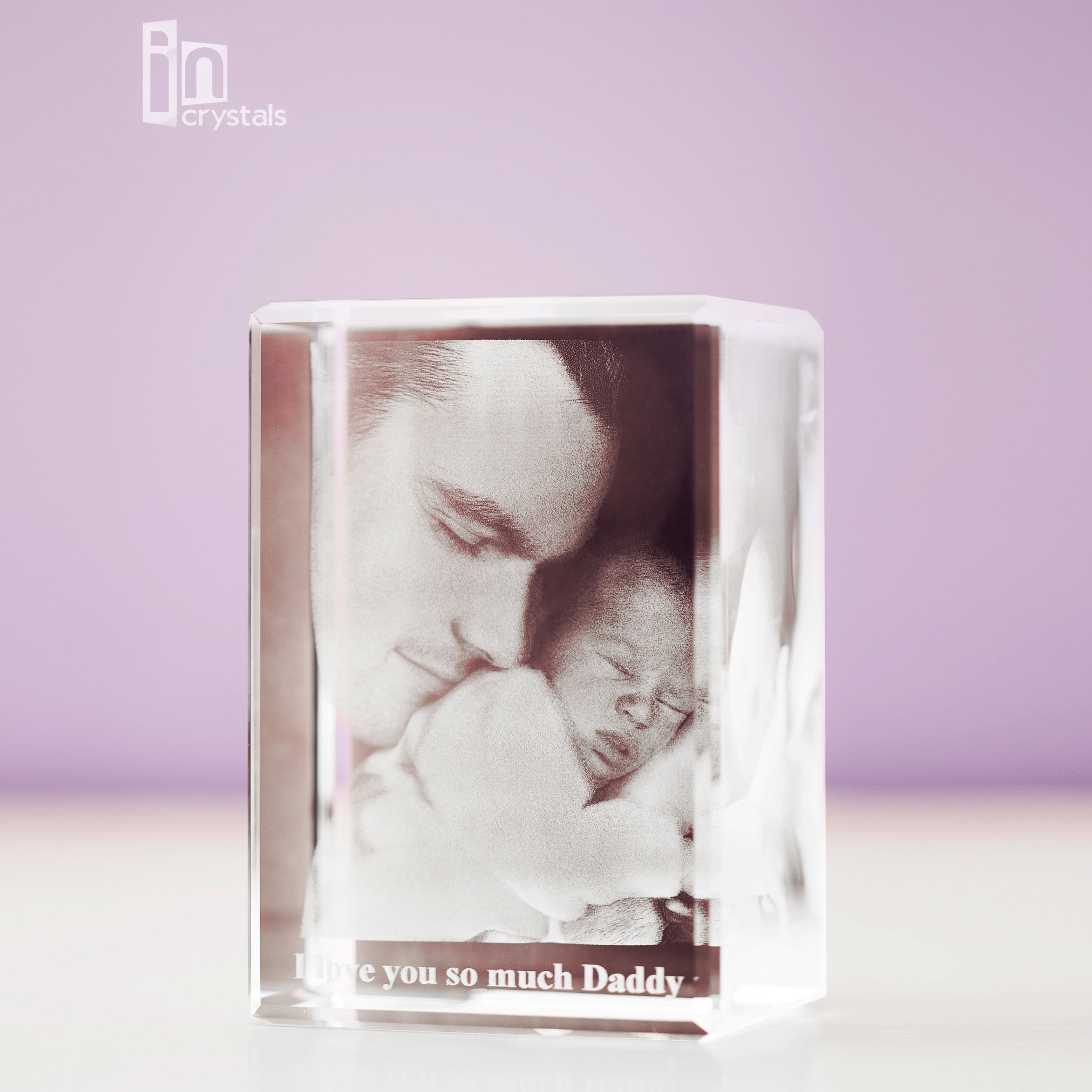
- Optional text: Add names, a date, or a short line that supports the image without overpowering it.
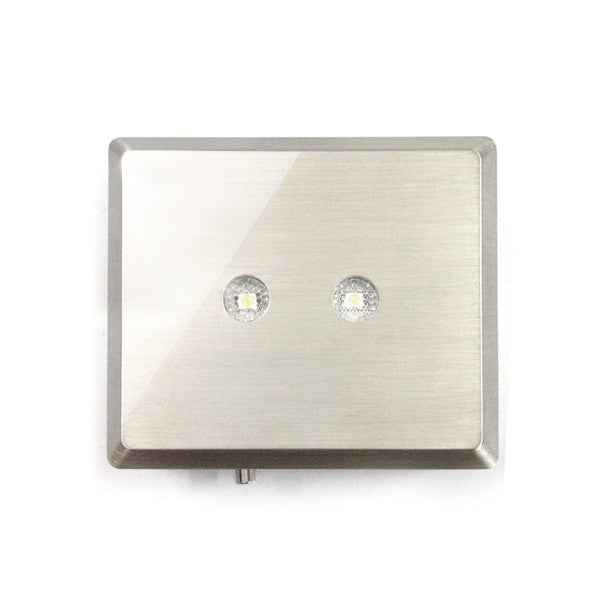
- Select a base: A lighted base adds brightness, contrast, and a display-ready finish.
If you prefer a sculpted 3D effect inside the same modern shape, review sizing and engraving options on the 3D Crystal Rectangle page.
Top use cases for a crystal photo rectangle
The crystal photo rectangle format adapts to many life moments. Here are popular ways customers use a custom rectangular photo crystal:
- Anniversary spotlight: A wedding kiss, a first dance, or a favorite candid—paired with a simple date line.
- Family milestone: A unified family portrait that looks refined in living spaces.
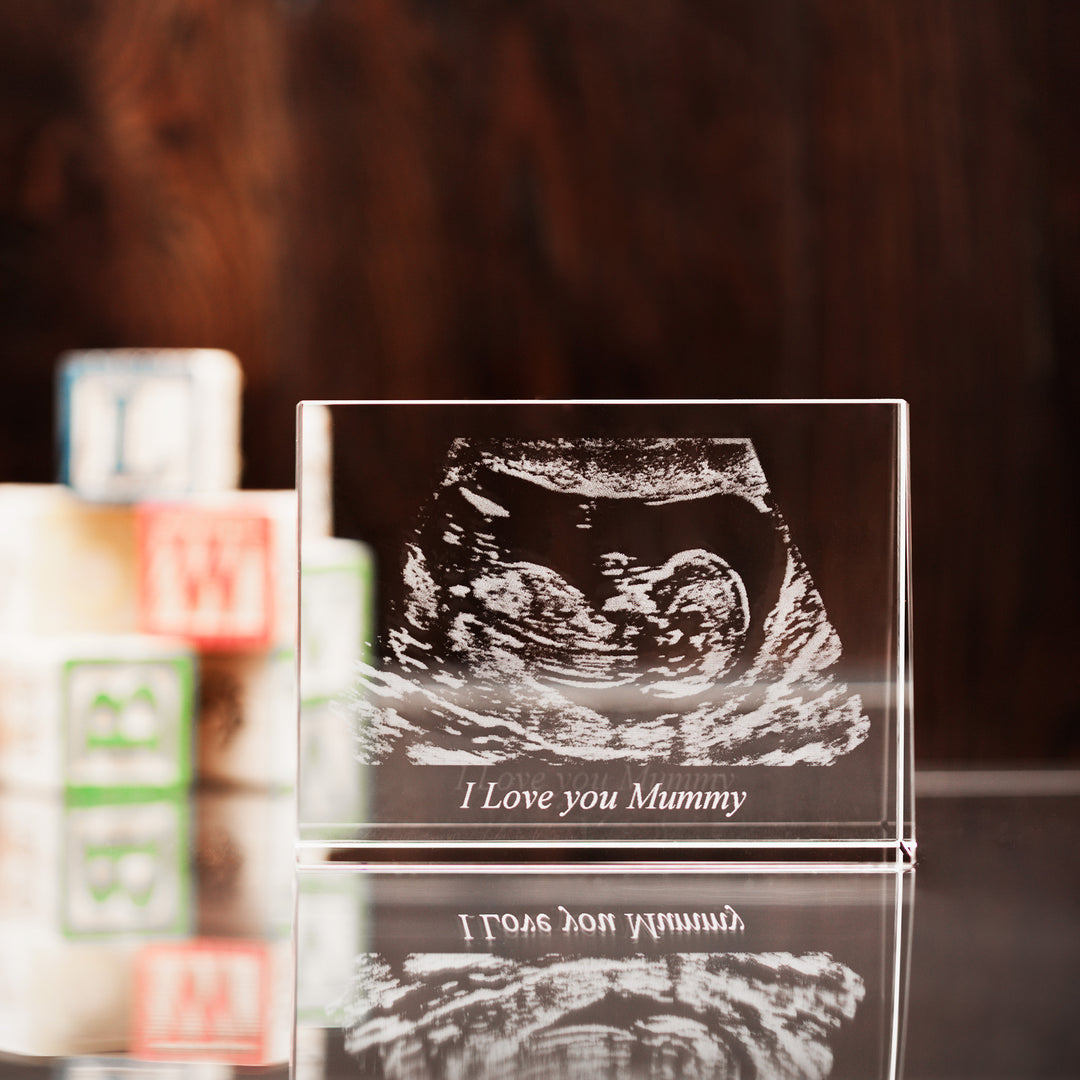
- New arrival: A clear, close-up baby photo, sometimes with tiny hand or foot details.
- Graduation pride: Cap-and-gown portraits that light up bookshelves or study desks.
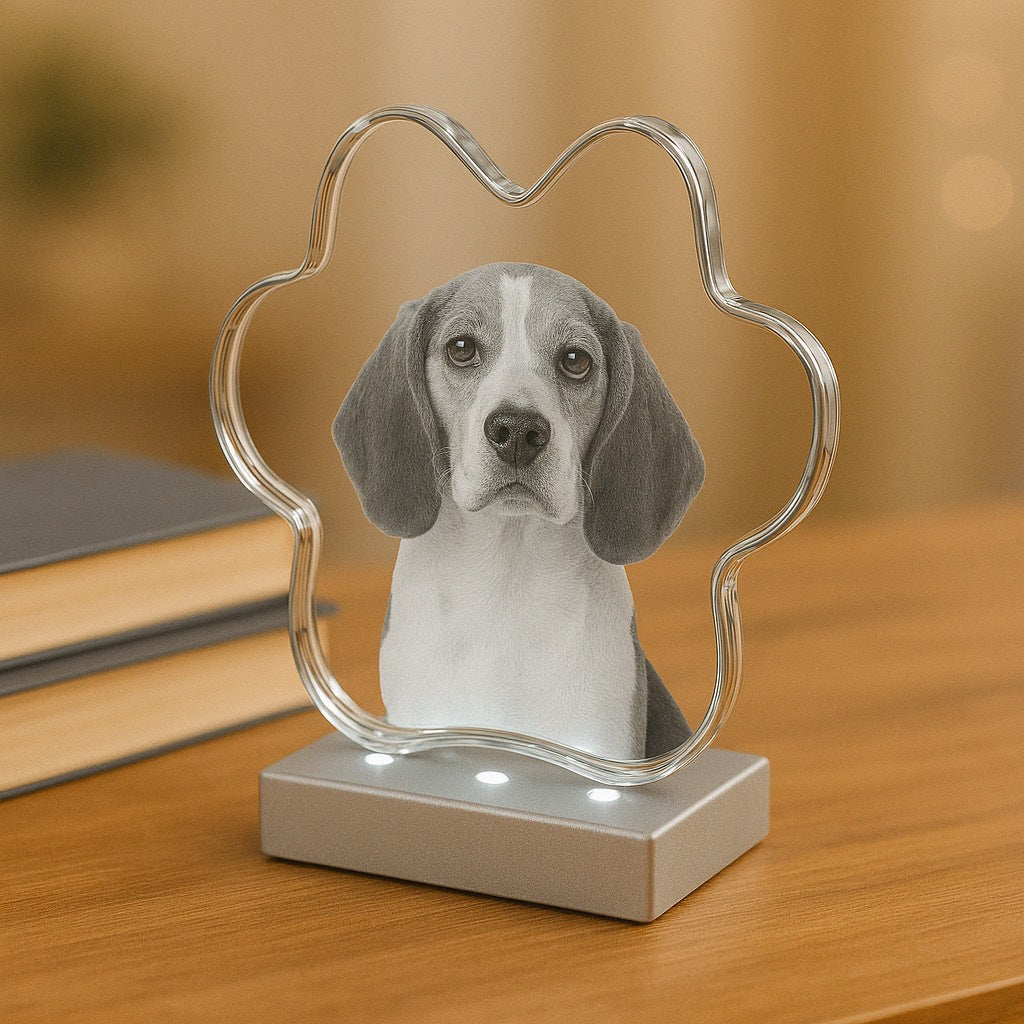
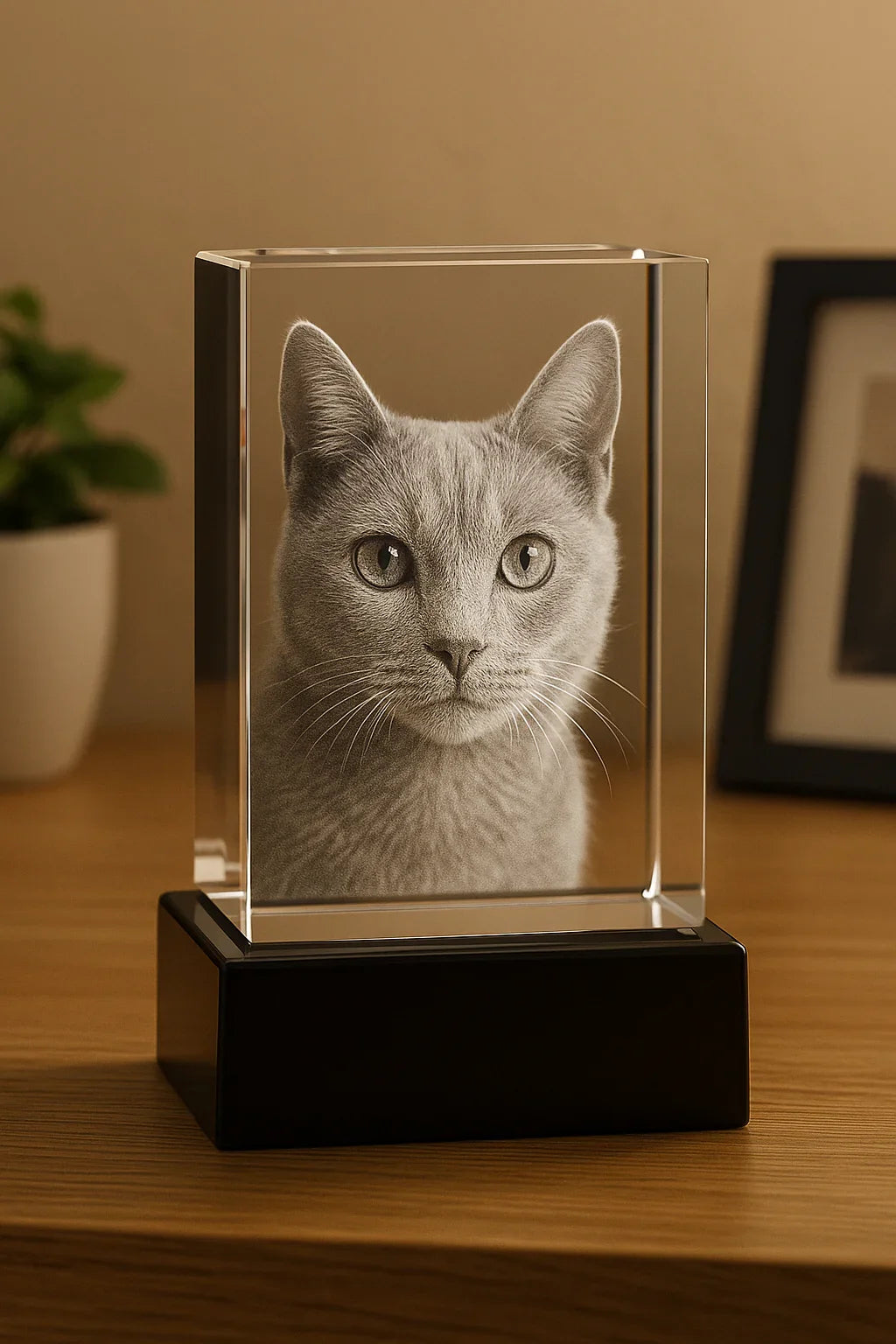
- Pet tributes: A best-friend portrait that feels tactile and serene on a nightstand.
- Memorial keepsake: A calm, tasteful remembrance that brings daily comfort without feeling heavy.
For remembrance pieces designed with sensitivity and care, browse thoughtful options in Memorial Gifts.
Customer stories and testimonials
“I wanted something special for our living room and the rectangular photo crystal was perfect. The engraving is crisp, and the light base makes the photo glow.” — Emma P.
“We ordered a crystal photo block with our dog’s portrait. The details are beautiful and it feels sturdy. It sits beside our reading lamp and catches the eye every evening.” — Daniel R.
“The 3D version brought our wedding photo to life. Friends ask about it all the time. It’s our favorite personalized rectangular photo crystal keepsake at home.” — Amina L.
Common Mistakes to Avoid With a Photo Crystal Rectangle
Steer clear of these pitfalls to ensure your crystal engraving turns out beautifully:
- Choosing a low-resolution image: Blurry or dark photos can look dull once etched. Use the highest-quality original you have.
- Overcrowding the frame: A photo crystal rectangle looks best with a clear subject. Tight crops and busy backgrounds can reduce impact.
- Too much text: Keep text short and secondary. Let the image lead, and use one concise line if needed.
- Ignoring orientation: Portrait images usually fit vertical rectangles; group shots often look better horizontal.
- Skipping the base: A crystal without a proper stand can look unfinished. A lighted base adds both stability and sparkle.
- Not checking edge margins: Keep faces away from the very edge to prevent visual clipping.
- Forgetting reflections: Highly reflective surfaces behind the display may distract. Place it against a neutral backdrop.
Pros & Cons Analysis of a Crystal Photo Rectangle
Pros
- Elegant and timeless: Optical clarity gives a premium, gallery-like finish.
- Durable personalization: Laser etching is long-lasting and protected inside the block.
- Versatile orientation: Works well with portraits, couples, families, and landscape scenes.
- Gift-ready: A rectangular photo crystal is meaningful yet easy to style in any room.
- Works with light bases: Illumination enhances depth and detail without extra maintenance.
Cons
- Weight: A crystal photo block is heavier than traditional printed frames.
- Reflectivity: Bright, direct sunlight or harsh artificial light can introduce glare.
- Photo quality matters: Lower-quality images may produce a less detailed result.
Quick Tips for a Custom Rectangular Photo Crystal
- Use the original file: Avoid screenshots or compressed images from chat apps.
- Bright, even lighting: Natural light works well; avoid heavy shadows and flash hotspots.
- Keep it simple: One subject or a tight group tends to look crisper in crystal.
- Mind the crop: Leave comfortable space around faces and key details.
- Minimal text: One line with a name or date is usually enough.
- Consider 3D for portraits: It adds dimension to faces and enhances visual interest.
- Add a base for display: For a polished and bright look, explore a matching LED Light Base.
Wrap-Up & Key Insights on Photo Crystal Rectangles
A photo crystal rectangle turns a meaningful image into a luminous, enduring centerpiece. It is versatile, elegant, and fits many occasions—from anniversaries and family milestones to pet portraits and memorials. By starting with a high-resolution image, choosing the right orientation, and keeping text short, you get a clean, modern look that feels special every day. Add a base to elevate the finish, and consider 3D engraving for portraits that deserve extra dimension.
Ready to design a custom rectangular photo crystal that stands out? Explore sizes and styles here: Rectangle Photo Crystal. If your image calls for a sculpted 3D effect, compare options on the 3D Crystal Rectangle page. For remembrance pieces with quiet elegance, view Memorial Gifts, and complete your display with a subtle glow from an LED Light Base.
Questions About a Photo Crystal Rectangle, Answered
What is a photo crystal rectangle?
It is a clear, solid crystal block with your image laser-etched inside. The rectangular shape offers a modern silhouette that suits portraits, couples, families, and scenic shots. You can choose 2D or 3D engraving to match your photo style and depth preference.
How do I customize a rectangular photo crystal?
Select your size and orientation, choose 2D or 3D engraving, upload a high-resolution photo, add an optional one-line inscription, and pick a base. For a gallery-like look with extra sparkle, pair the piece with a lighted base that enhances edges and details.
Which photos work best for a crystal photo rectangle?
Clear, well-lit photos with one main subject or a tight group look best. Natural light, simple backgrounds, and relaxed expressions translate well into crystal. Avoid screenshots or heavily cropped images that may lose detail when etched.
Should I choose 2D or 3D for my crystal photo rectangle?
Pick 2D if you prefer a sleek, classic look and a straightforward budget. Choose 3D if you want more depth and a sculpted effect that changes as you move. Portraits, pets, and close-ups often look striking in 3D.

The content in this blog post is intended for general information purposes only. It should not be considered as professional, medical, or legal advice. For specific guidance related to your situation, please consult a qualified professional. The store does not assume responsibility for any decisions made based on this information.
From the blog
View all


Leave a comment